Main Menu
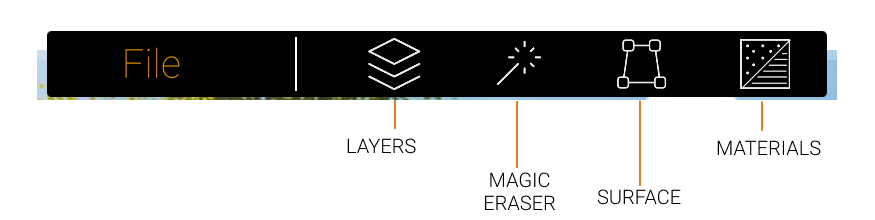
Layers
Open the Layers menu to manage and view all the objects currently added to your image.
Magic Eraser
Open the Magic Eraser menu to remove objects from your background image.
Surface
Create a new Surface in your image.
Materials
Open the Materials menu to change the material of any surface you create.
Menu Features
Moveable Menus
All menus can be moved for better access to areas your image. Click and drag to move menus around your screen.
Re-Dock Menus
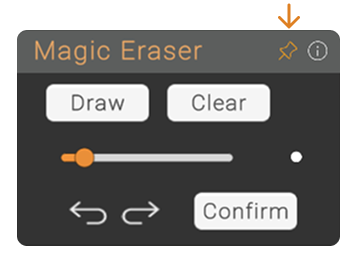
Click the Pin icon to return a menu to its original docked position.
Help and Information
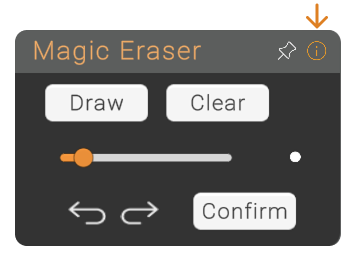
Click the "i" icon to visit the Help page, which includes step-by-step guide on using BetaStreets' features. (You Are Here 😊)