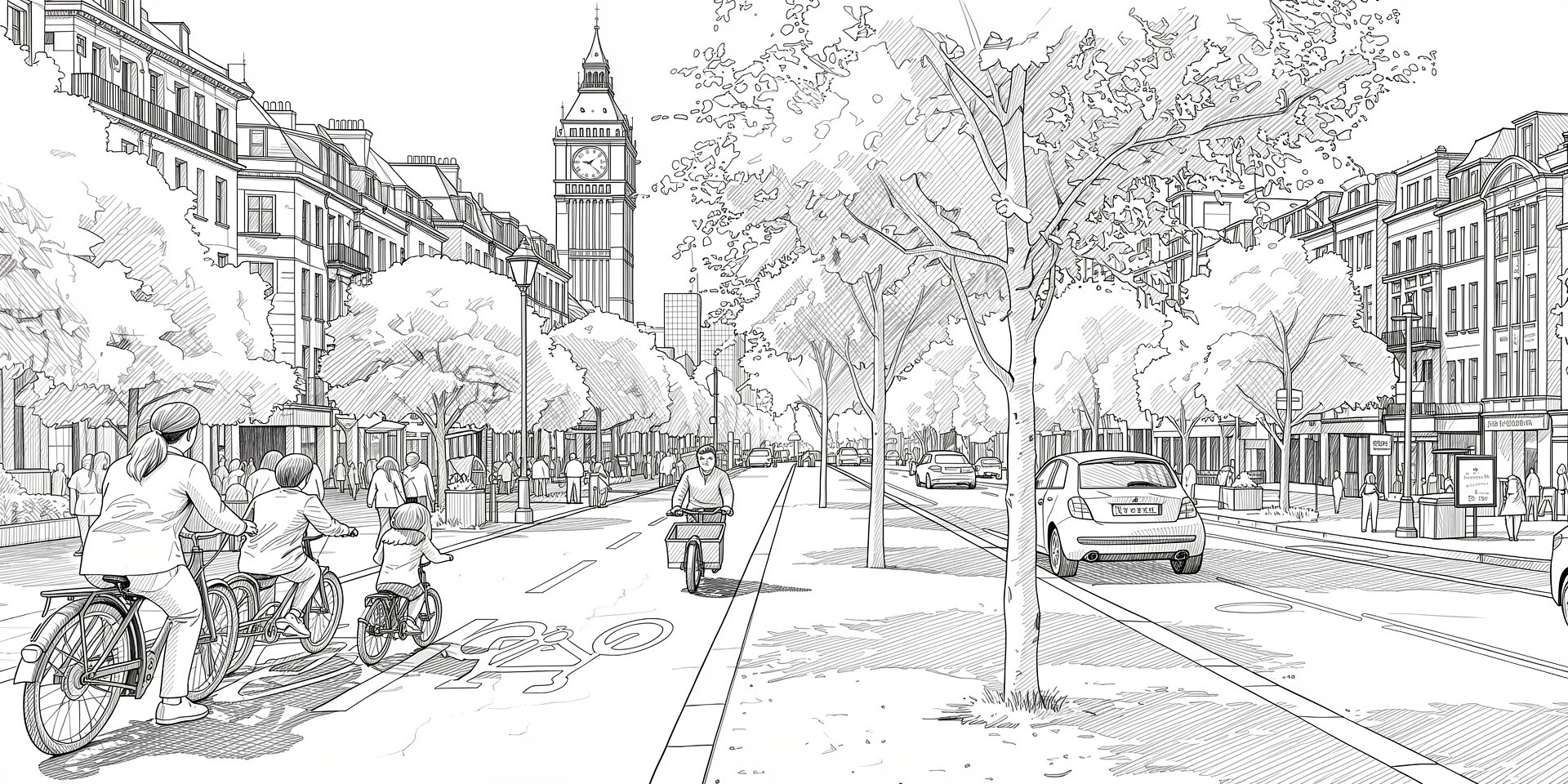
AI Renderer
AI renderer
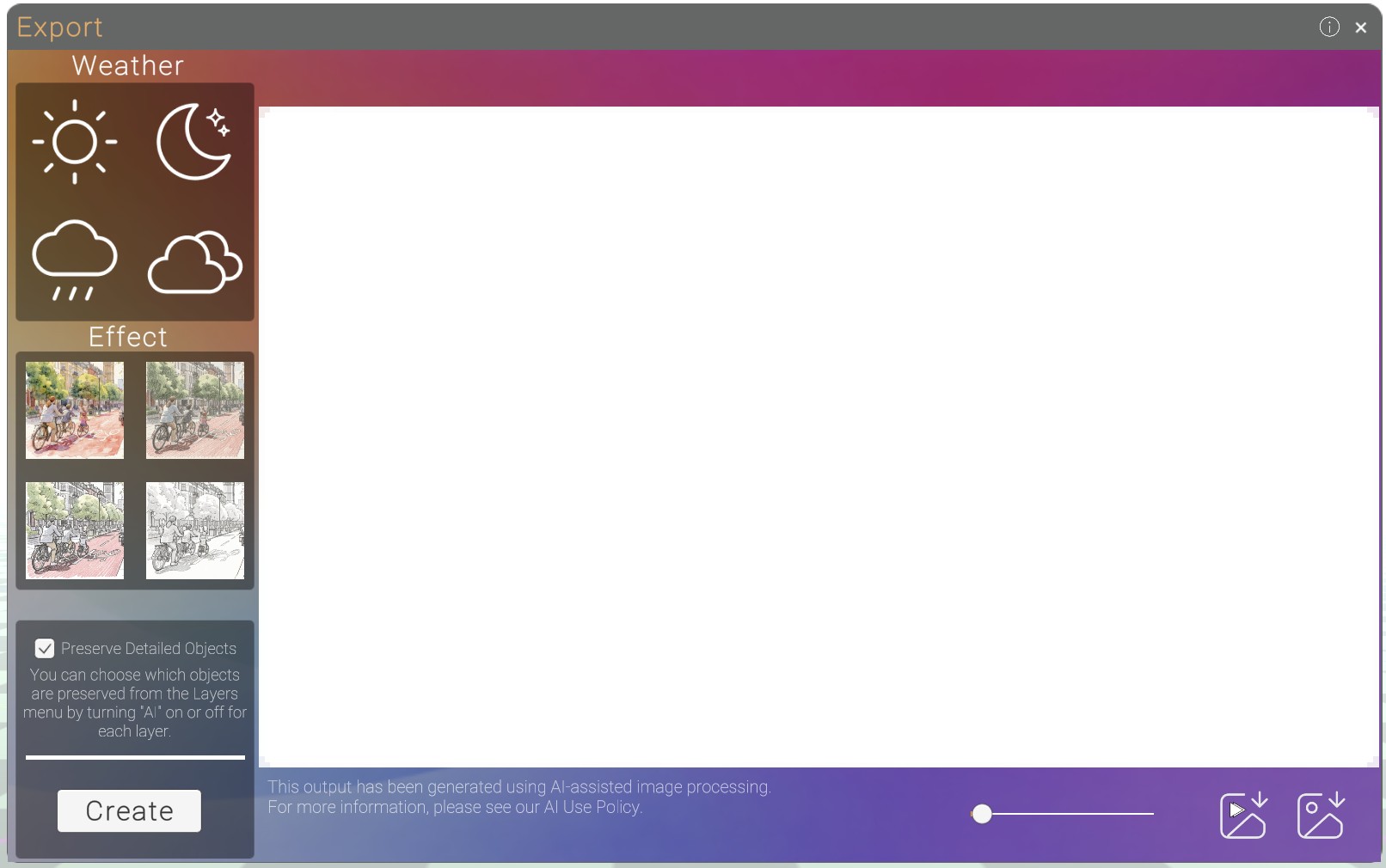
you can access the AI renderer from the export menu
Turning Layers off
Sometimes the AI render maybe render objects incorectly, you can turn the AI off on objects in the layers menu. this means these object will not be affected by the AI
press the orange AI button to turn them off.

Weather / Effect
Select what type of weather or effect you would like and let AI create the image for you
Download

You can fade between the orignal image and proposed with the slider.
download the anitmation fading from orignal to porposed and download the proposed image.
Examples of output
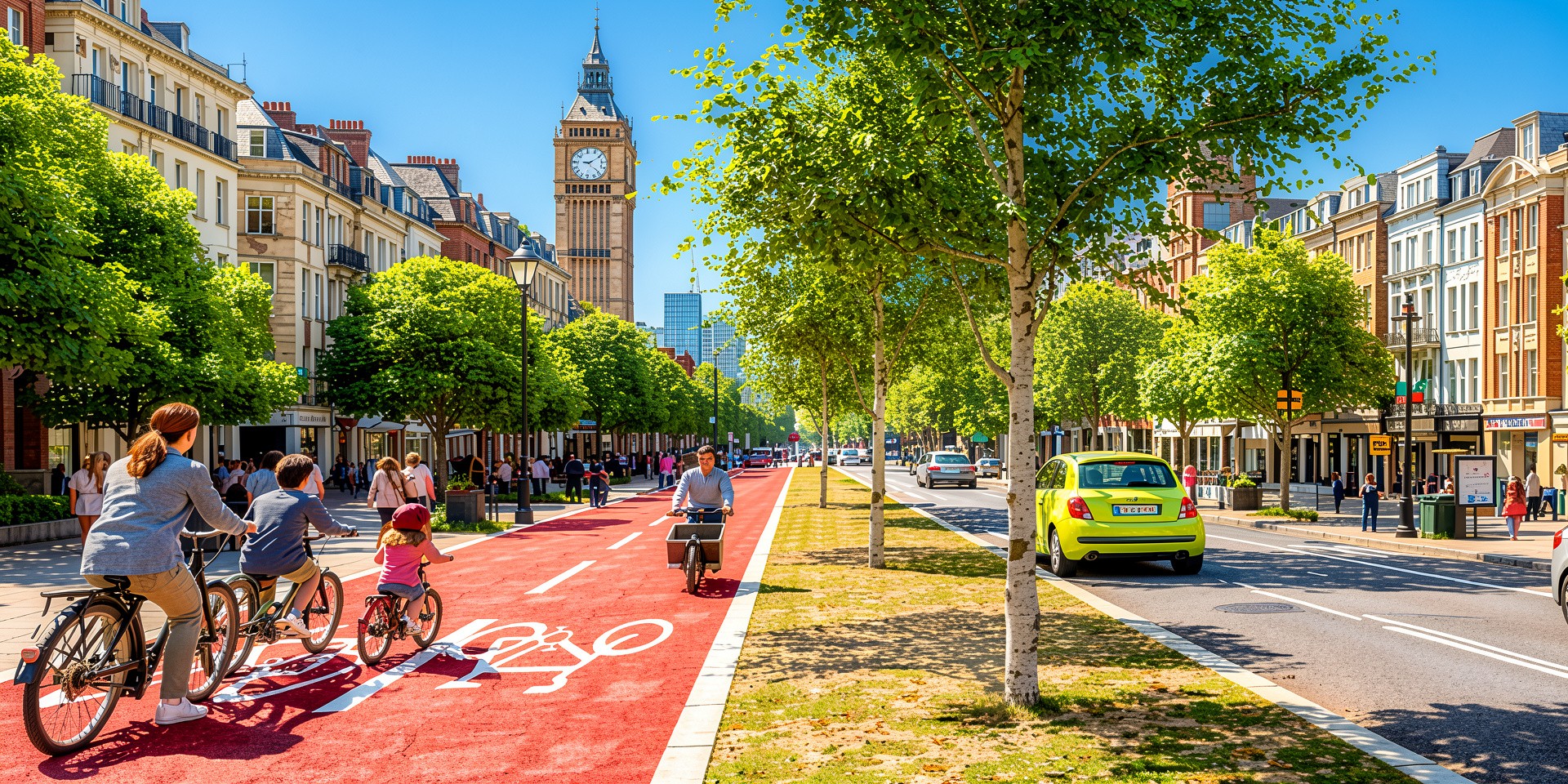
Sun
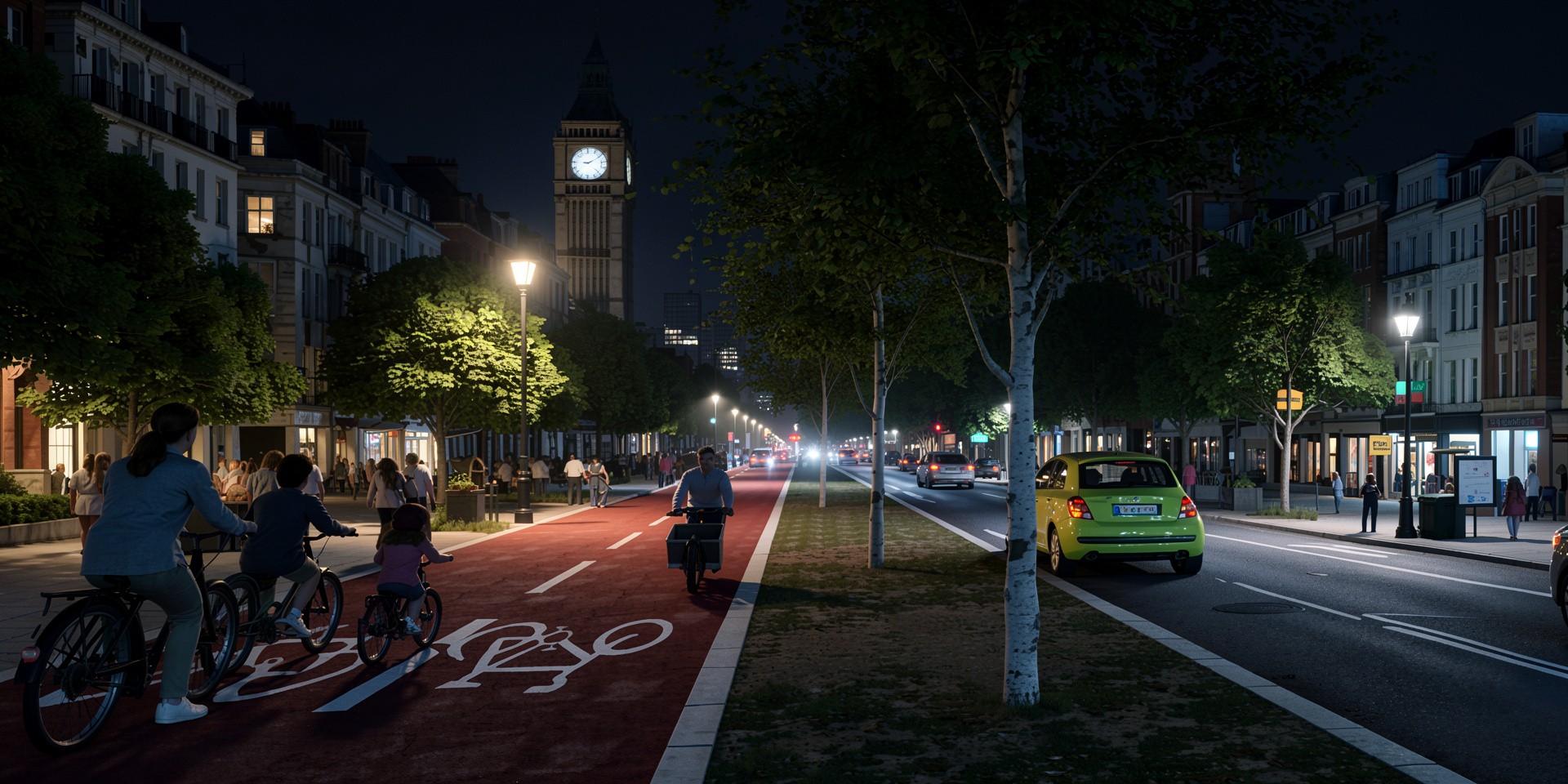
 Night
Night
 Rain
Rain
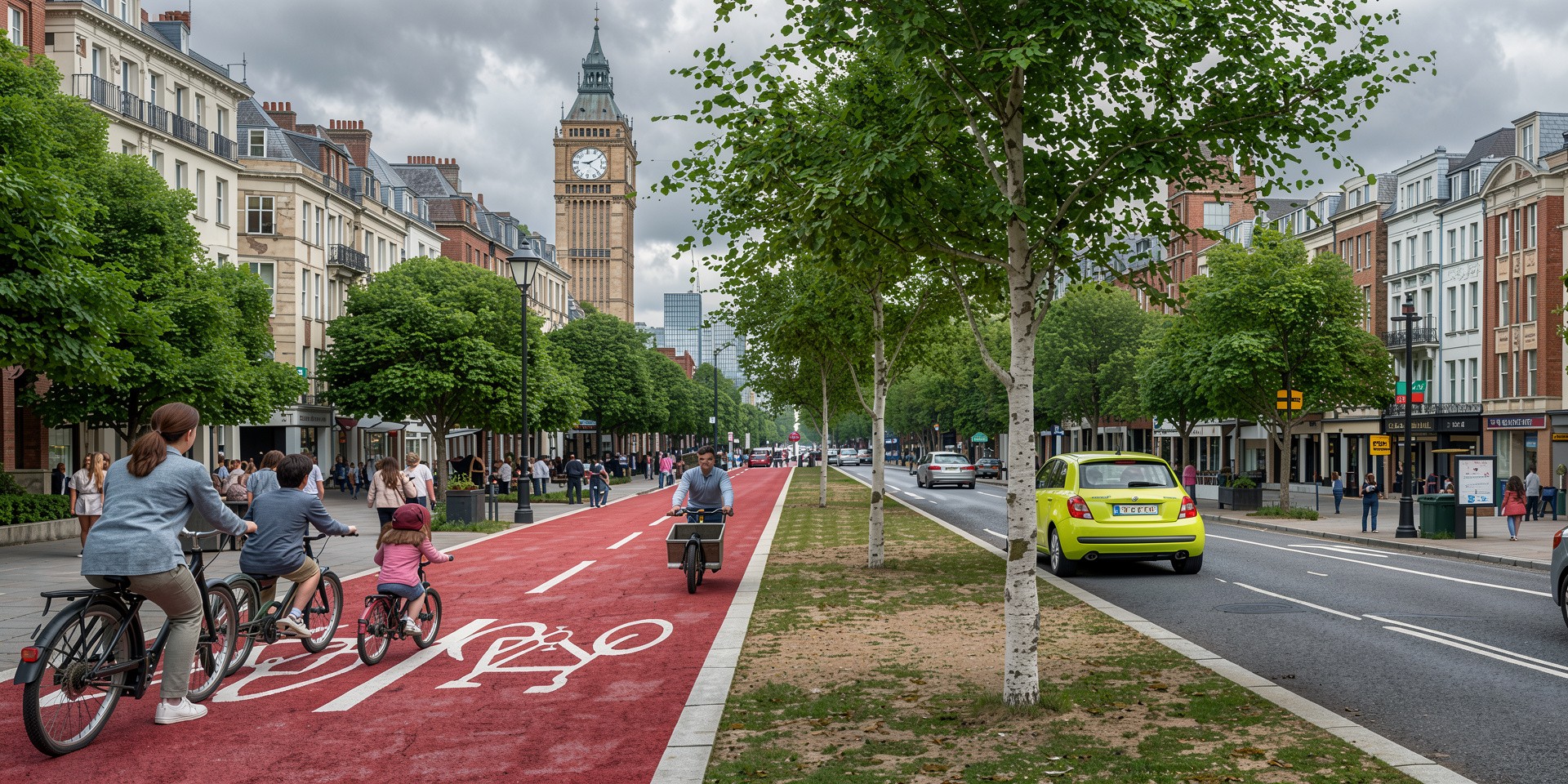
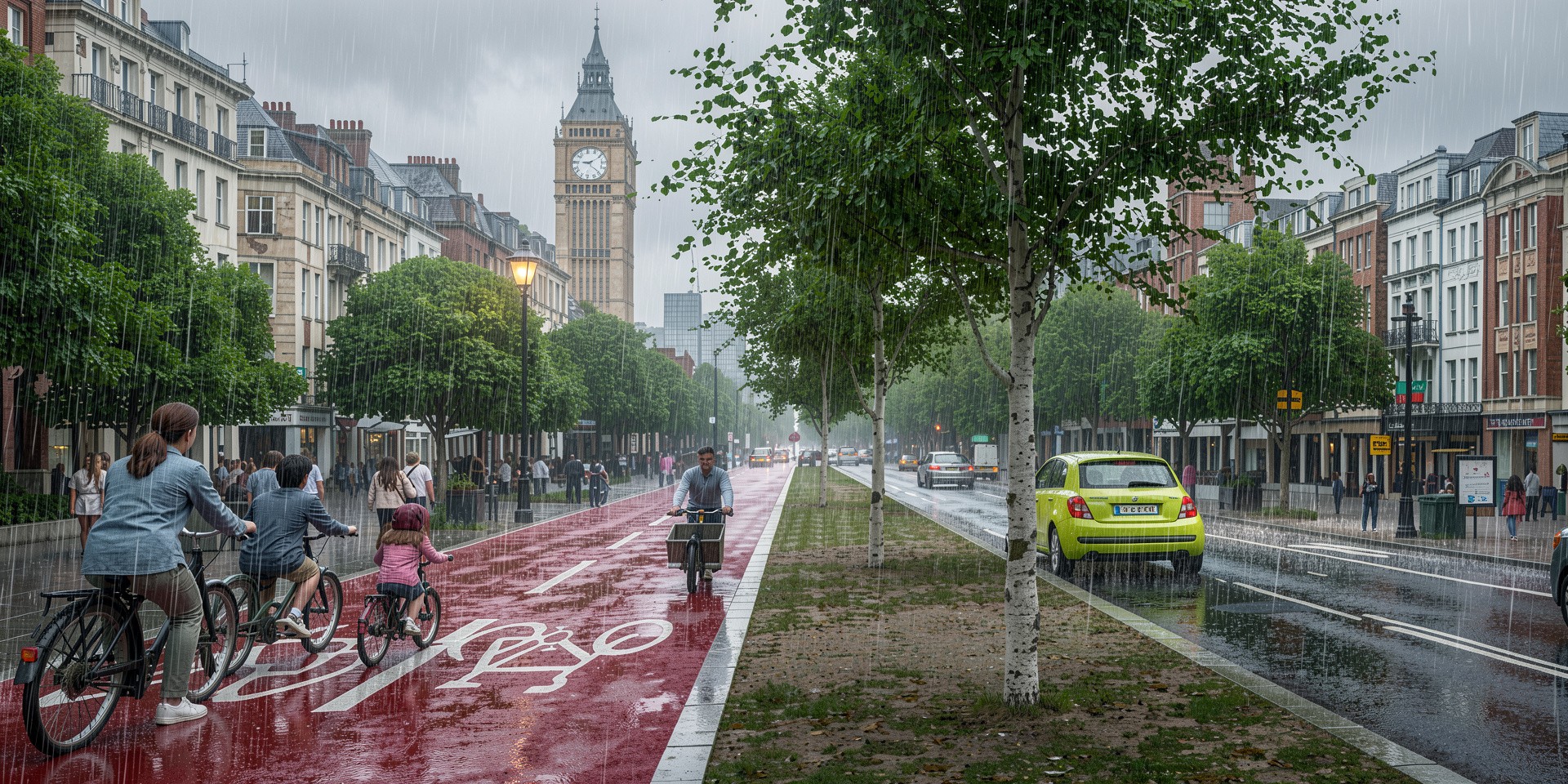 Cloud
Cloud
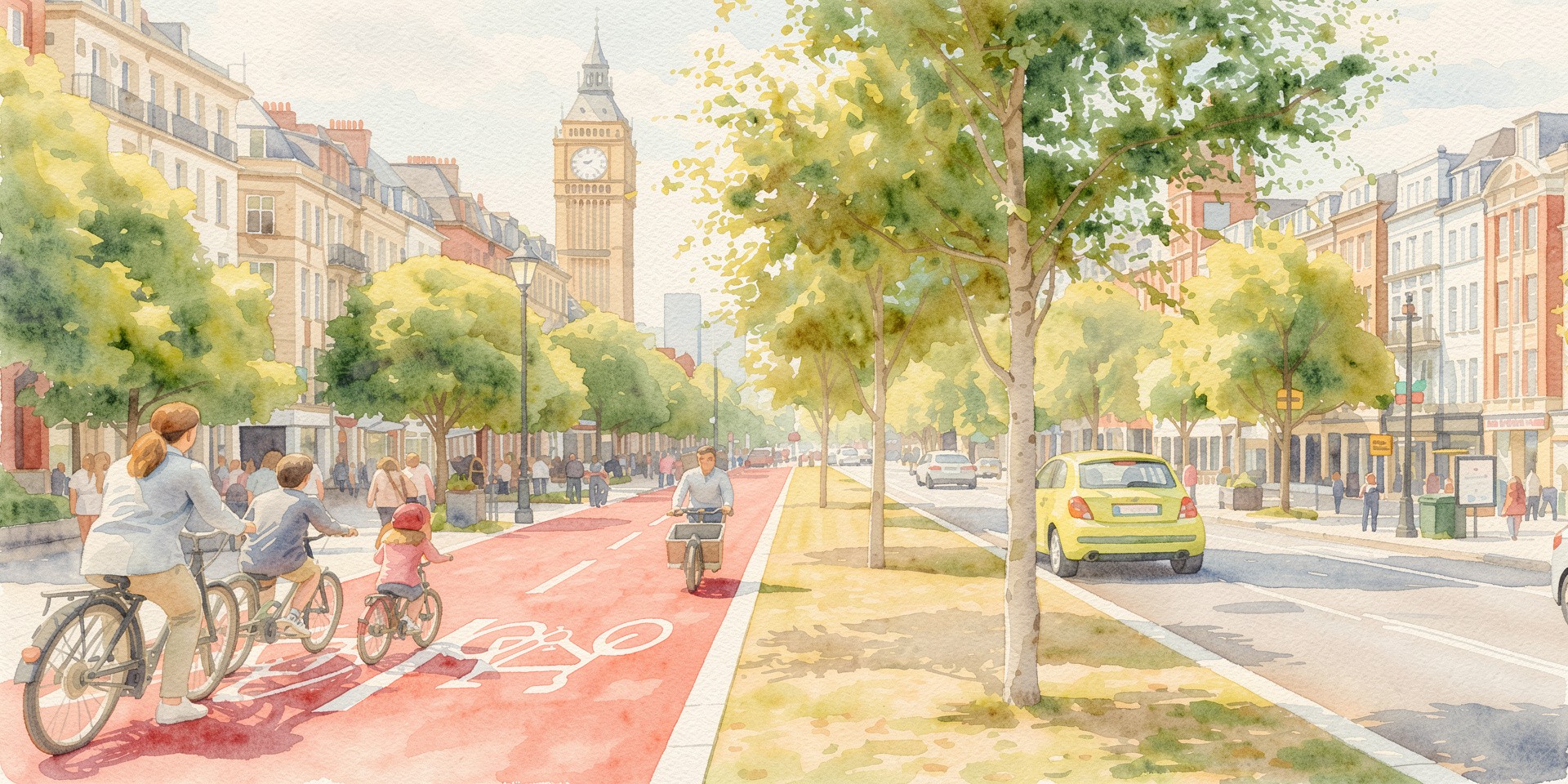
 Water Colour
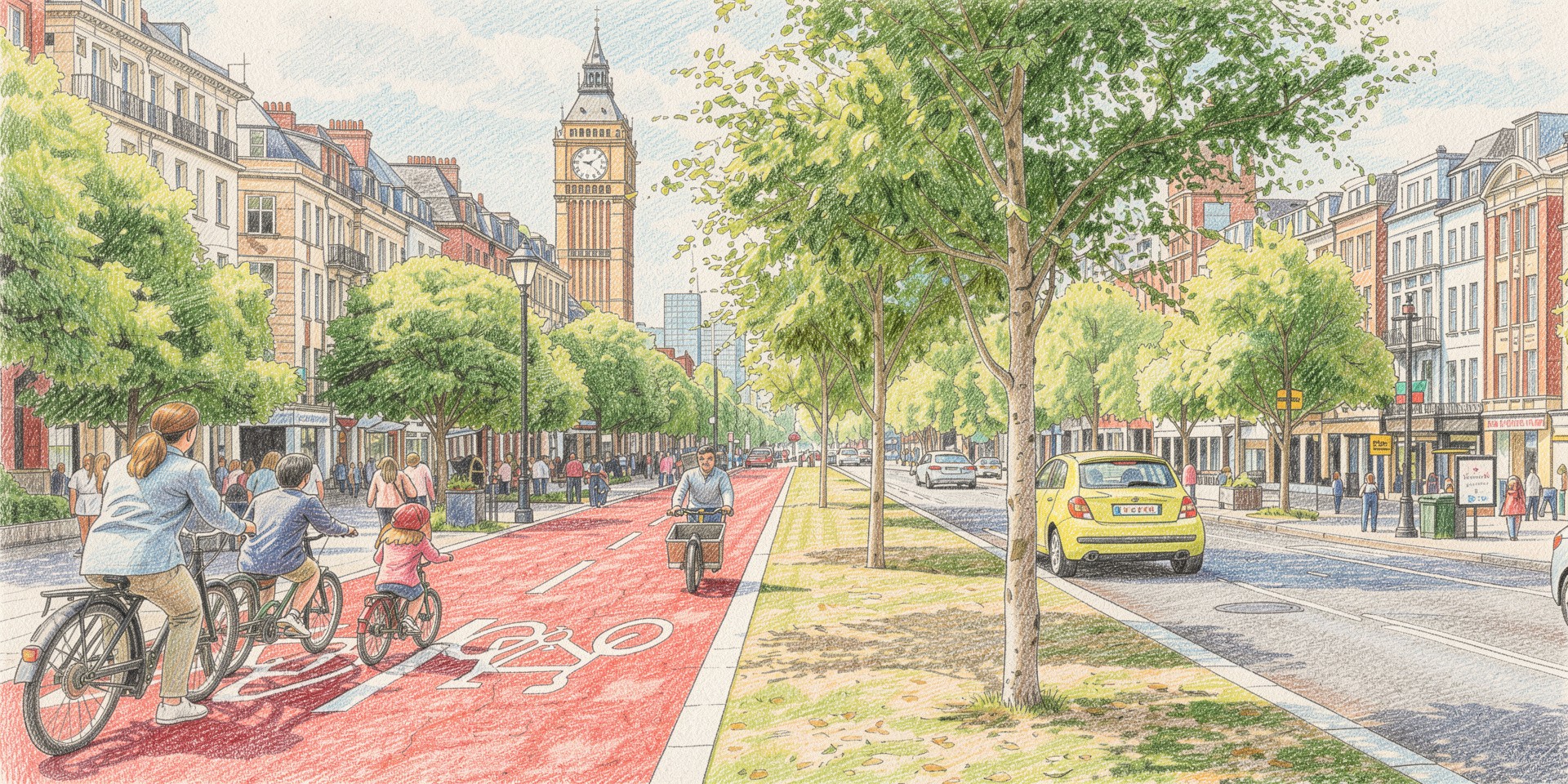
 Pencil
 Sketch Colour
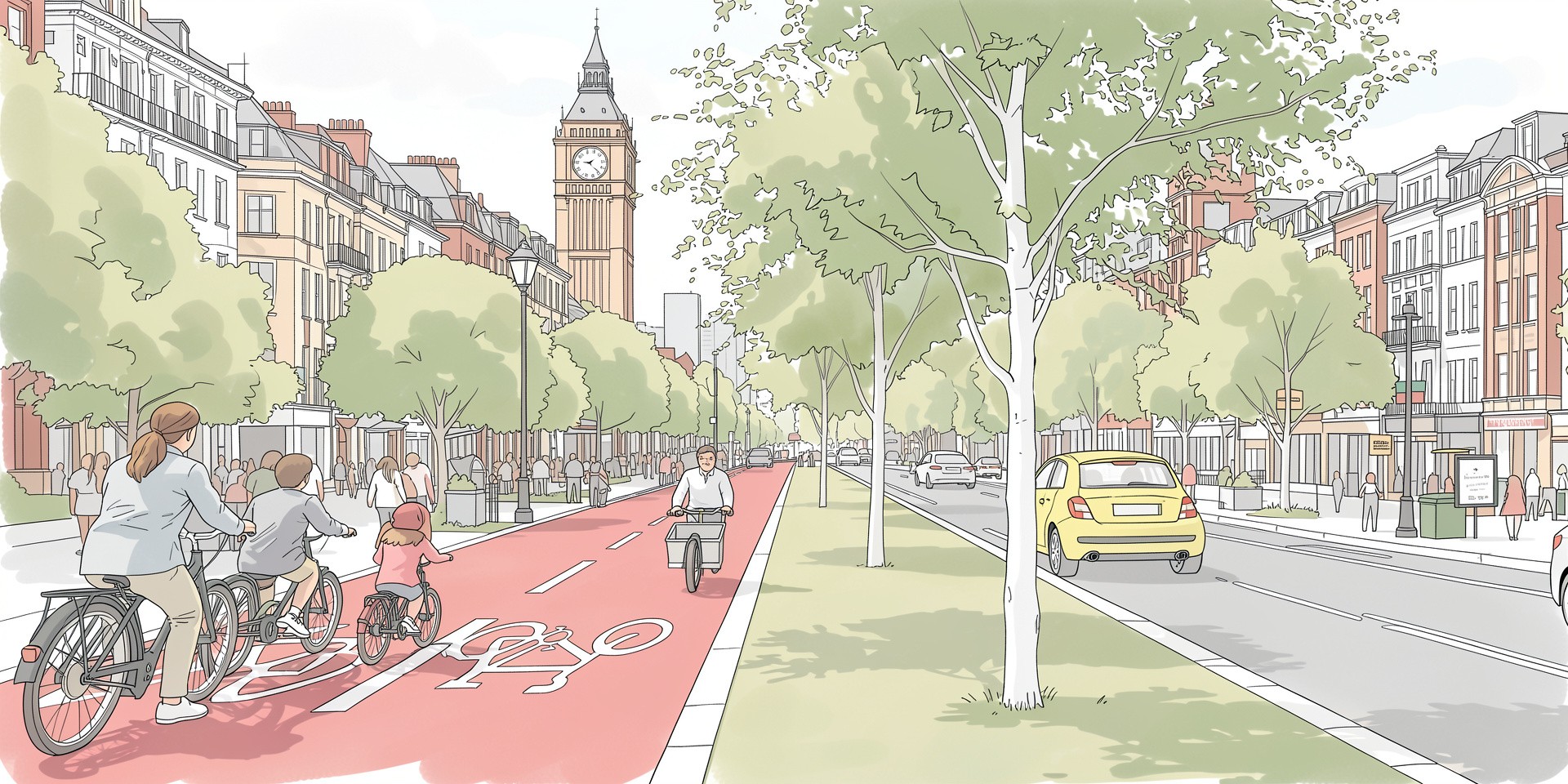 Sketch