SAVE/LOAD
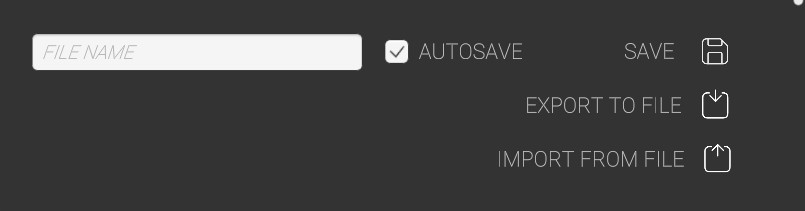
Enter a file name and choose Save. This will save all project data and images to your profile in the cloud.
You can also download your project directly to your computer using Export to File. This is useful for creating backups, transferring projects between devices, or sharing files with other BetaStreets users.
Projects are exported as a .bs file, which contains all project data and associated images.
Using Import from File, you can upload and open an existing .bs project file.
AUTOSAVE is enabled by default and automatically saves your project every 3 minutes. If a file with the same name already exists, you will be prompted to confirm whether you want to overwrite the current file