Materials
To change the material of a surface you created, select this from the main menu.
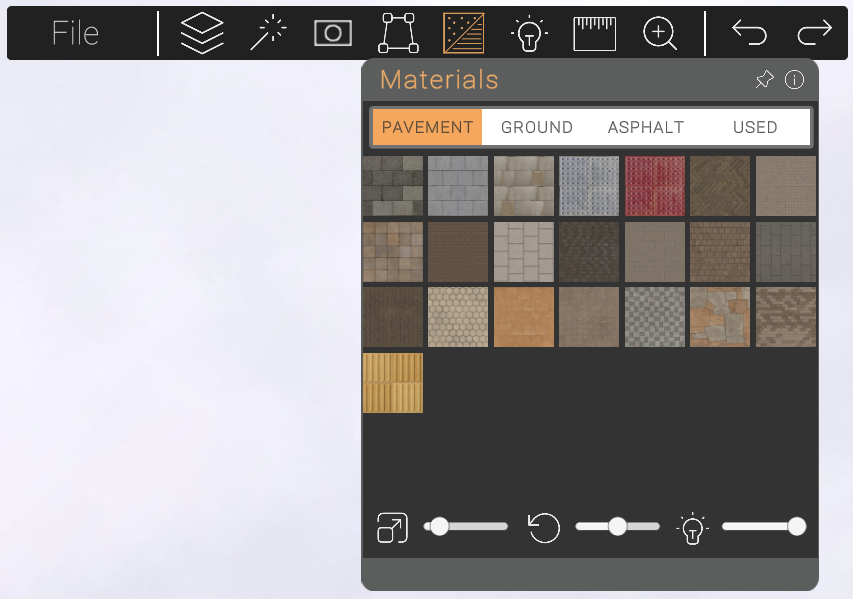
Step One
Click on the pattern you'd like to use. (A green circle will appear on the selected pattern.)
Step Two
Click on the surface you've created that you want to change the material of.
Step Three
Watch as the material updates instantly on your surface.
Step Four
Change the scale, rotation and shade of the material using the sliders.
Top Tip
The "USED" tab keeps track of the materials you've used throughout your current design.