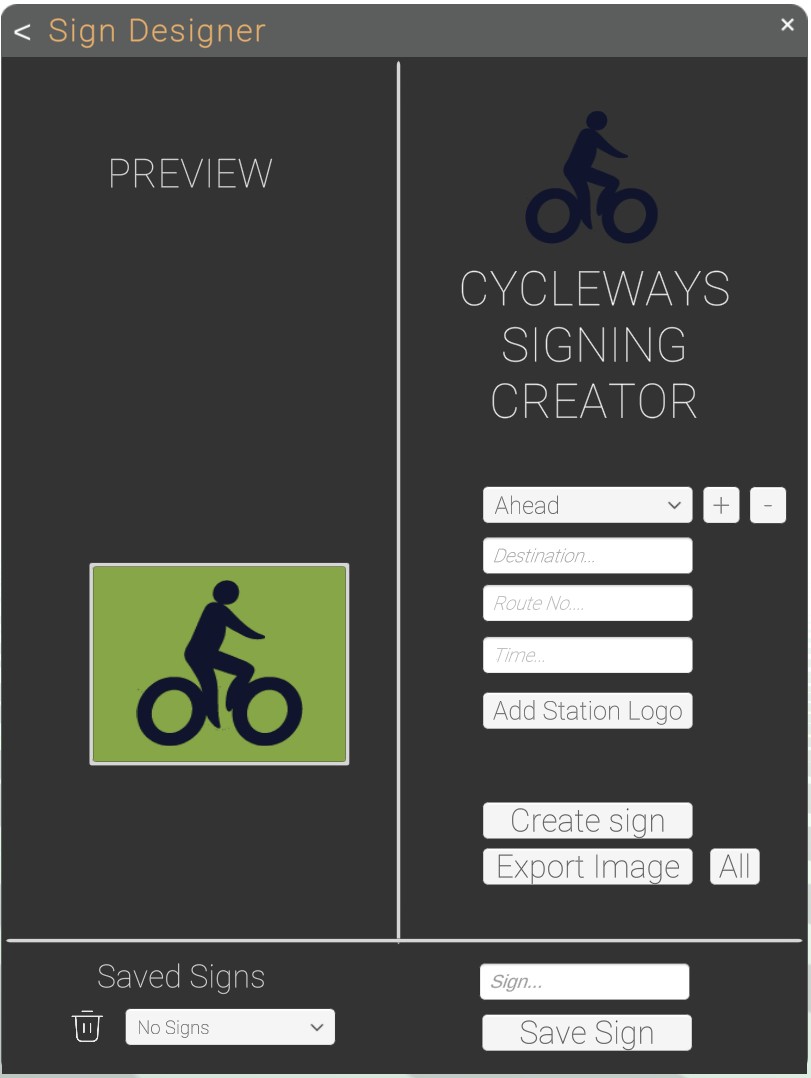
Sign Designer
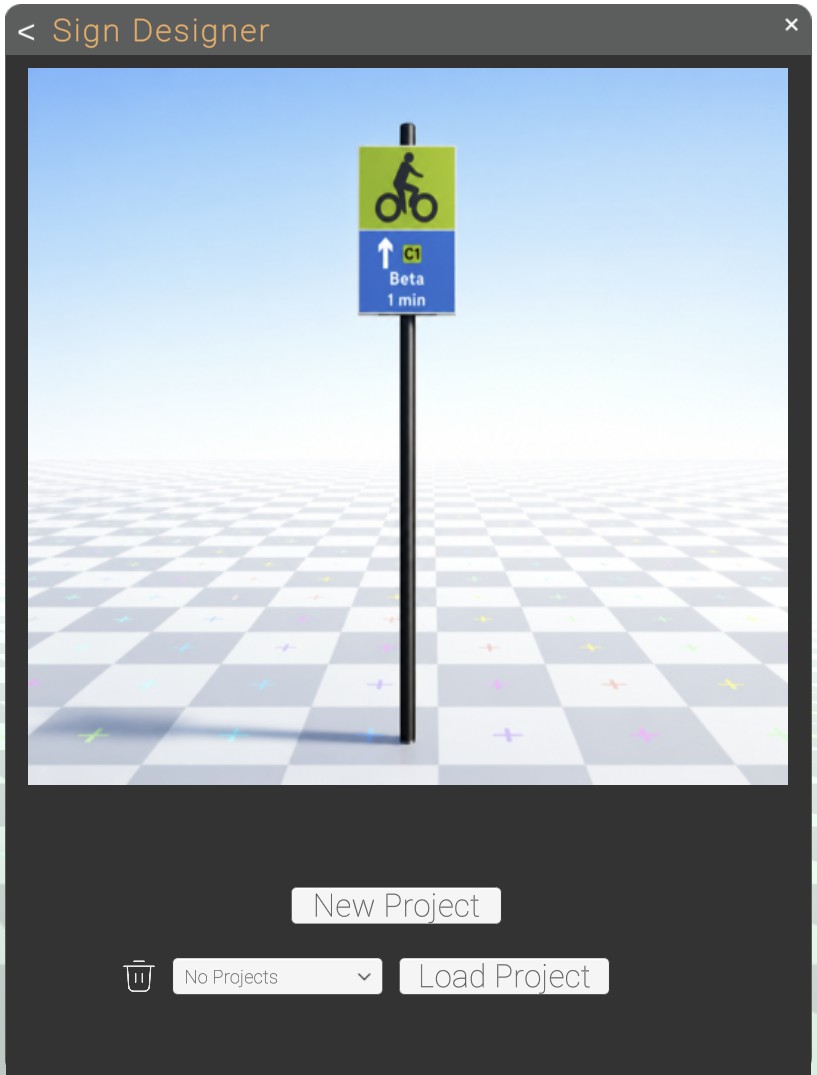
Sign Designer is a add on avalible to all 360 customers
it is accessed in the file menu
New Project
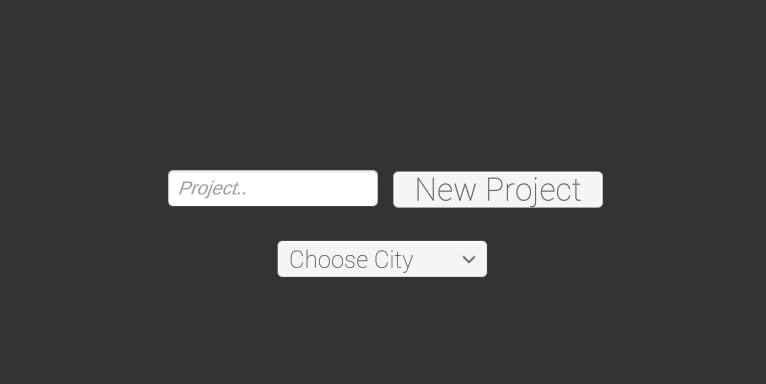
Choose the New Project button to make a new sign project
enter the project name and city
Create Sign
choose the direction, enter the destination , route number and time
press the plus button to make the panel, you can add mutipul panels
press the create sign button to place the sign within the image.
you can also export image to download the sign face.
we recomend saving the sign to the project to access at a later date
if you are producing multipul signs you can download all the sign faces within the project with All button